Year-End Invoicing Checklist (2026): What to Do and When

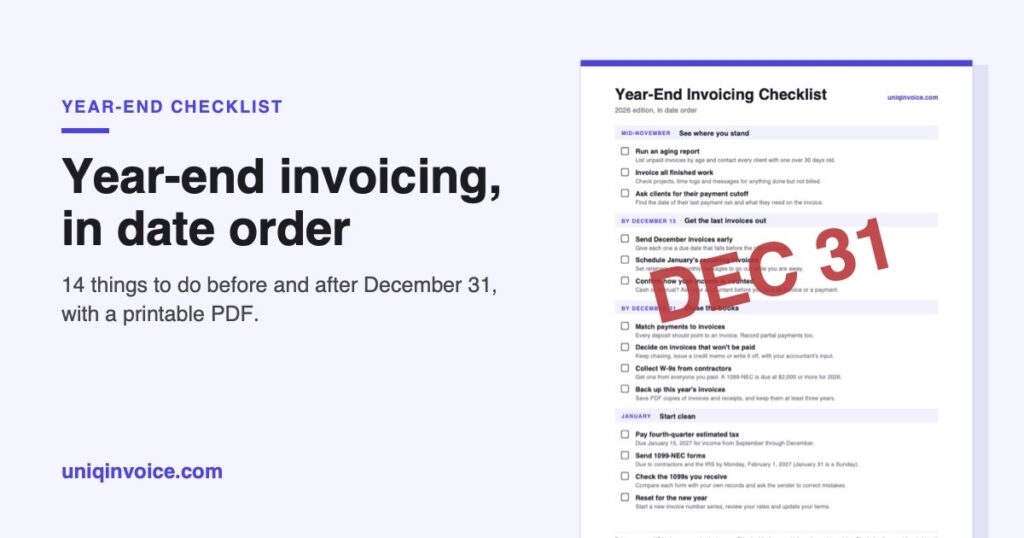
The last few weeks of the year decide two things: how much of this year’s work gets paid this year, and how much of January you spend untangling paperwork. Most of it comes down to timing. Clients’ payment teams shut down early, and an invoice sent on December 22 can sit unopened until the second week of January.
This checklist puts the jobs in date order, so you can start at today’s date and work down. Prefer paper? Download the one-page checklist (PDF) and tick things off as you go.
The dates assume a US business on a calendar tax year. Treat this as general information, not tax advice.
Mid-November: see where you stand
1. Run an aging report
List every unpaid invoice by how old it is. Anything past 30 days gets a call or a message this week, because people are harder to reach in December and a reminder that would have worked in November turns into a January problem. If a client has gone quiet, our day-by-day plan for unpaid invoices has messages you can send.
2. Invoice everything that’s finished
Unbilled work is the easiest money to lose at year-end. Go through your projects and message threads and look for anything that’s done but never made it onto an invoice: the extra revision, the rush fee you agreed to by text. On a long project, bill the part that’s complete now with a progress invoice instead of waiting for the end.
3. Ask clients about their payment cutoff
Many companies make their last payment run of the year in mid-December and don’t pay again until January. Ask each larger client two questions now. What’s the last date an invoice can arrive and still be paid this year? And what does it need to include? A missing PO number is annoying in June. In December it can cost you three weeks.
By December 15: get the last invoices out
4. Send December invoices early
If the work will be done before the holidays, don’t wait until the 31st to bill it. Send the invoice as soon as you can, with a real due date that falls before the client’s cutoff instead of “net 30.”
5. Schedule January’s recurring invoices
Retainers and monthly packages still need to go out on January 1, whether or not you’re at your desk, so set them up as recurring invoices now and check the amounts while you’re there. A rate change agreed in the fall is easy to forget.
6. Know which year a payment counts in
Many freelancers and small businesses use the cash method, which means income counts in the year you receive it. An invoice dated December 20 that’s paid on January 4 is next year’s income. The reverse doesn’t work, though. You can’t move income into next year by leaving a December check in a drawer, because the IRS treats money as received once it’s available to you without restriction. That rule is called constructive receipt. IRS Publication 538 explains it, along with the accrual method, where income counts when you earn it and the payment date doesn’t matter.
Not sure which method you use? Ask your accountant before you time an invoice around it.
By December 31: close the books
7. Match payments to invoices
Every deposit in your bank account should point to an invoice, and every invoice marked paid should have a deposit behind it. Record partial payments as partial. It’s dull work. It’s also the difference between knowing what you’re owed on January 1 and guessing.
8. Decide what to do with invoices that won’t be paid
Some invoices aren’t coming in. For each one, pick a path: keep chasing, issue a credit memo for the part in dispute, or write it off. Whether a write-off changes your tax bill depends on your accounting method, so make that call with your accountant. If you do claim a bad debt deduction, the IRS says to keep the records for seven years.
9. Collect W-9s from contractors you paid
If you paid a freelancer or subcontractor for services this year, get a Form W-9 from them now. Don’t wait. In January you’ll be chasing people who have already moved on to the next job, with a filing deadline at the end of the month. For payments made in 2026, a business files a 1099-NEC for each contractor it paid $2,000 or more, which is up from $600 in earlier years according to the IRS instructions.
10. Back up the year’s invoices
Save PDF copies of every invoice and receipt somewhere other than your invoicing app and your laptop. Three years is the IRS minimum in most cases, though plenty of accountants will tell you to hold on to them longer.
January: start clean
11. Pay your fourth-quarter estimated tax
The payment for income earned from September through December is due January 15, 2027, on the IRS estimated tax schedule. A strong December shows up here, so set the money aside as the payments land.
12. Send 1099-NEC forms
They’re due to contractors and to the IRS by January 31, but in 2027 that’s a Sunday, which moves the deadline to Monday, February 1. Got the W-9s in December? Then you’re ready.
13. Check the 1099s you receive
Clients who paid you $2,000 or more should send a 1099-NEC, and card processors and payment apps may send a 1099-K. Compare each one with your own records, and if a number is wrong, ask the sender for a corrected form before you file. You report all of your income either way.
14. Reset for the new year
Start a fresh invoice number series, such as INV-2027-001. Look at your rates too. If they’re going up, clients should hear about it 30 to 60 days ahead, and our guide to calculating your hourly rate can help you pick the new number. Then read your payment terms once more and fix whatever caused trouble this year.
The one-page version

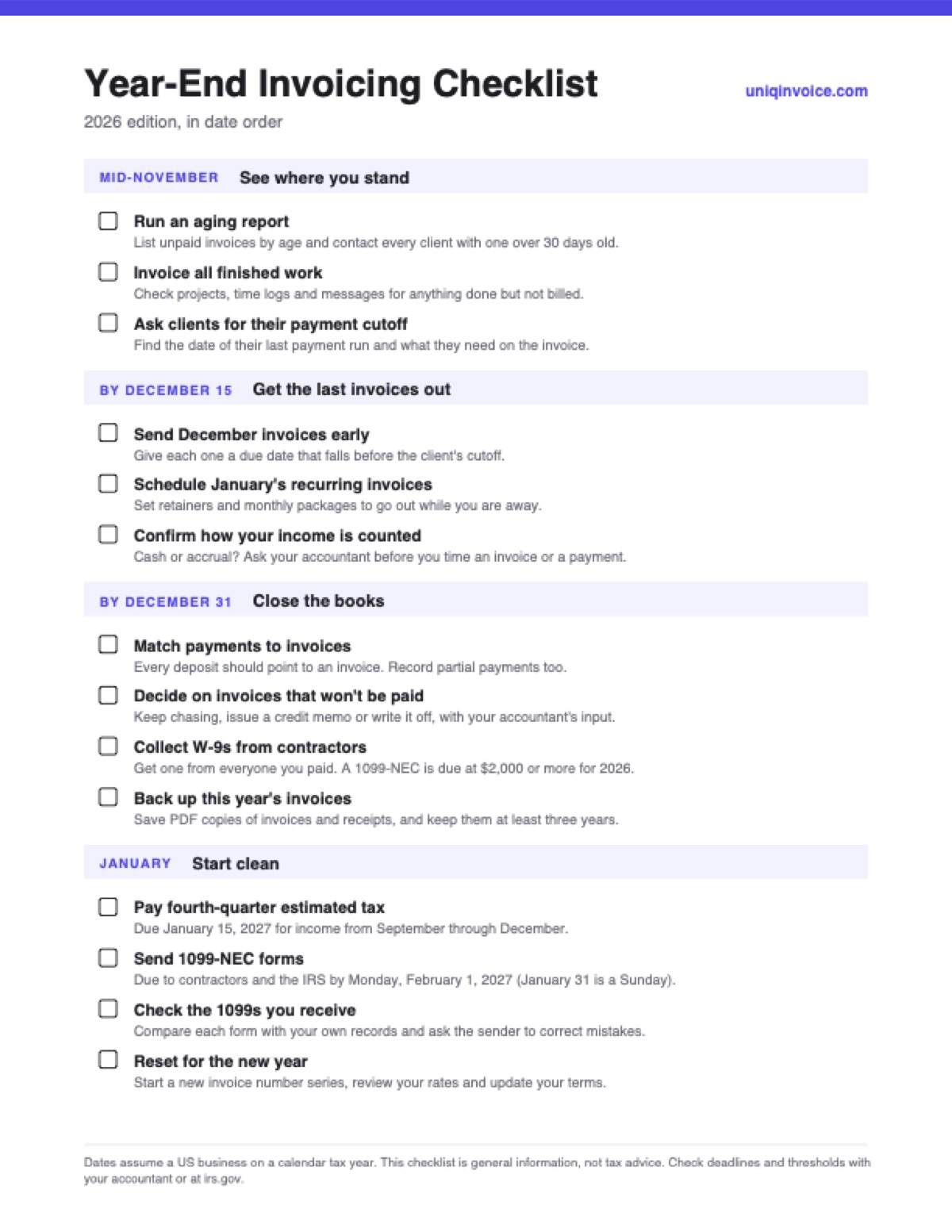
Print it, or keep it open in a tab and work down the list. Terms you don’t recognize are explained in our invoicing glossary.
If your invoices need a refresh before January, our free invoice templates cover more than 25 industries. Bookkeepers helping clients through year-end can use the new bookkeeping invoice template, which keeps the monthly package and catch-up work on separate lines.